A phantom for every signup
When you subscribe to a newsletter, shop online or create an account, you are often asked for an email address. Use the same address each time, and each company holds a copy. A separate phantom for each one lets you choose which address you share and stop emails through it later.
Phantoms are email aliases that forward emails to your usual inbox. You can share them instead of your usual email address, without creating another mailbox or changing the email app you use.
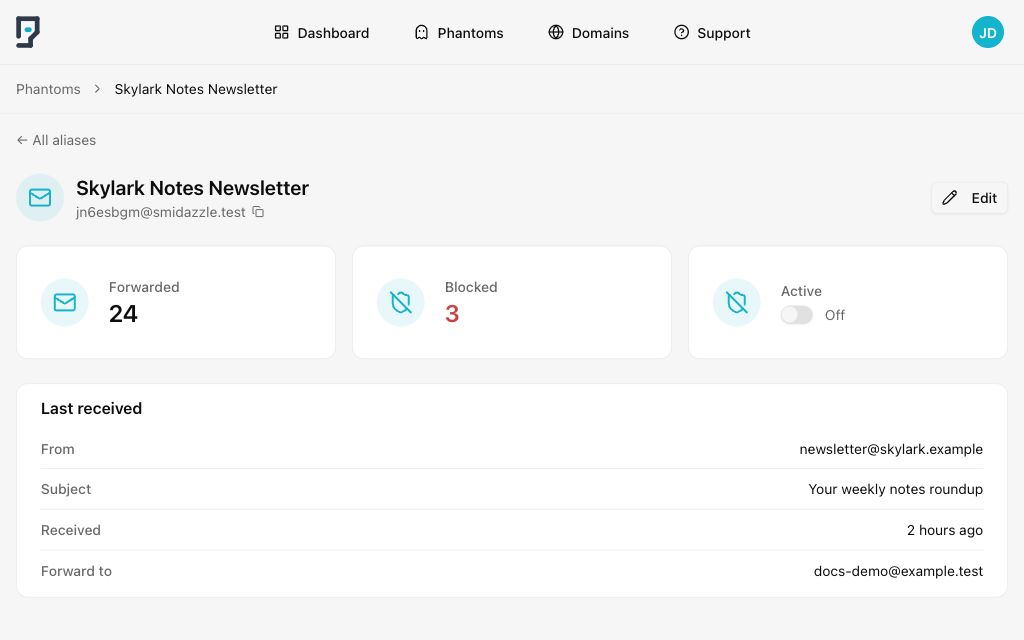
Make the source clear
When every signup has its own phantom, you know which address received an email. You can stop unwanted emails from one source without changing the address you use everywhere else.
For example, use one phantom for a notes app, another for an online shop and another for a newsletter. Keeping them separate helps you keep track of which phantom you shared with each service.
Keep using your usual inbox
Confirmation emails, receipts, and password resets still arrive in your regular inbox. You read and reply to emails with the email app you already use. The website gets your phantom address, while your real address stays behind it.
Stop emails from one service
If you no longer want emails from a service, turn its phantom off in Mailphantom. New emails to that address are blocked. Your other phantoms continue forwarding emails as usual.
You can turn the phantom back on when you want emails from that service again. Turning it off does not close your account with the service.
Take the first step towards better email privacy
Try a phantom for your next newsletter subscription or online account. Keep your real email address private while continuing to use your usual email workflow. Our getting started guide walks through the basics.