Smart Forwarding: More control over what reaches your inbox
A newsletter might cover many topics when you are interested in just a few. An online shop might send too many offers for products you are not interested in. You still want to hear from them, but you would like more say in which emails you receive.
Smart Forwarding lets you give each email alias, or phantom, a plain-language instruction about the emails you want to receive. Mailphantom checks incoming emails against your instruction. If an email matches, it is forwarded immediately; otherwise, it is skipped. You can optionally include skipped emails in your weekly digest for the phantom.
Tell your phantom what interests you
Suppose you subscribe to an online coffee shop's mailing list while looking for a new coffee grinder. You want to hear about offers on grinders, but the shop also sends brewing tips, bean subscriptions and updates about other equipment.
You could give that coffee shop's phantom this instruction:
Only forward emails about offers on coffee grinders.
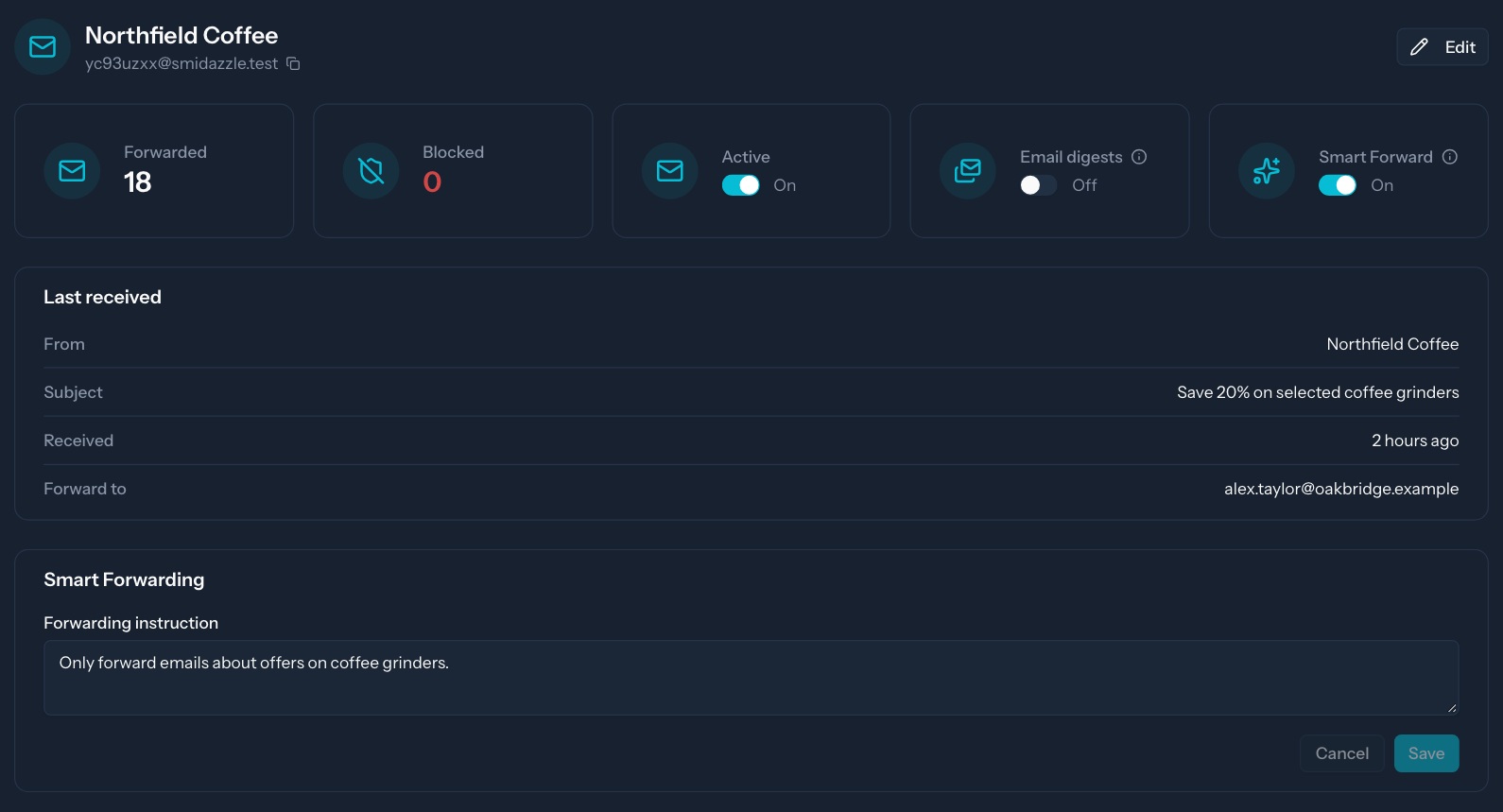
The instruction describes both the product and the kind of email you want. An email mentioning a grinder in a brewing tutorial would not meet the same conditions as an offer on a coffee grinder.
Each phantom has its own instruction. For a newsletter covering several topics, you could describe the topic you are interested in instead. Write what would make an email useful to you, including any conditions that matter.
Account-related emails are handled separately
Emails classified as account-related, such as password resets, invoices and receipts, delivery updates, or direct correspondence such as support conversations, are forwarded as normal without being checked against your instruction. So you can have peace of mind that important account-related emails will still reach your inbox.
See what that means for incoming email
With the coffee grinder instruction, these are the expected results:
| Incoming email | Expected handling |
|---|---|
| A discount on coffee grinders | Forward to your inbox |
| A general coffee tips newsletter | Skip or Digested |
| An offer on kettles | Skip or Digested |
| An order receipt that also includes a discount | Forward to your inbox |
Change the instruction as your interests change
Once you have saved on a new coffee grinder, you might want to hear about coffee beans instead. You can update that phantom's instruction to reflect what interests you now.
You can also turn Smart Forwarding off, at which point the phantom returns to normal forwarding.
Interested in Smart Forwarding
Smart Forwarding is currently in beta. If you are interested in trying it, contact us to request beta access.
If you are new to Mailphantom, the getting started guide explains how to create your first phantom and use it for a signup.
Smart Forwarding uses AI, which can misclassify emails and incorrectly forward or skip an email.